Free
$0
10 calls included
Start free trialNurture Engine places the calls, captures press-1 transfers, sends the follow-up email, and keeps Facebook and TikTok leads in the same place you close deals.
Your trial includes 10 outbound calls.
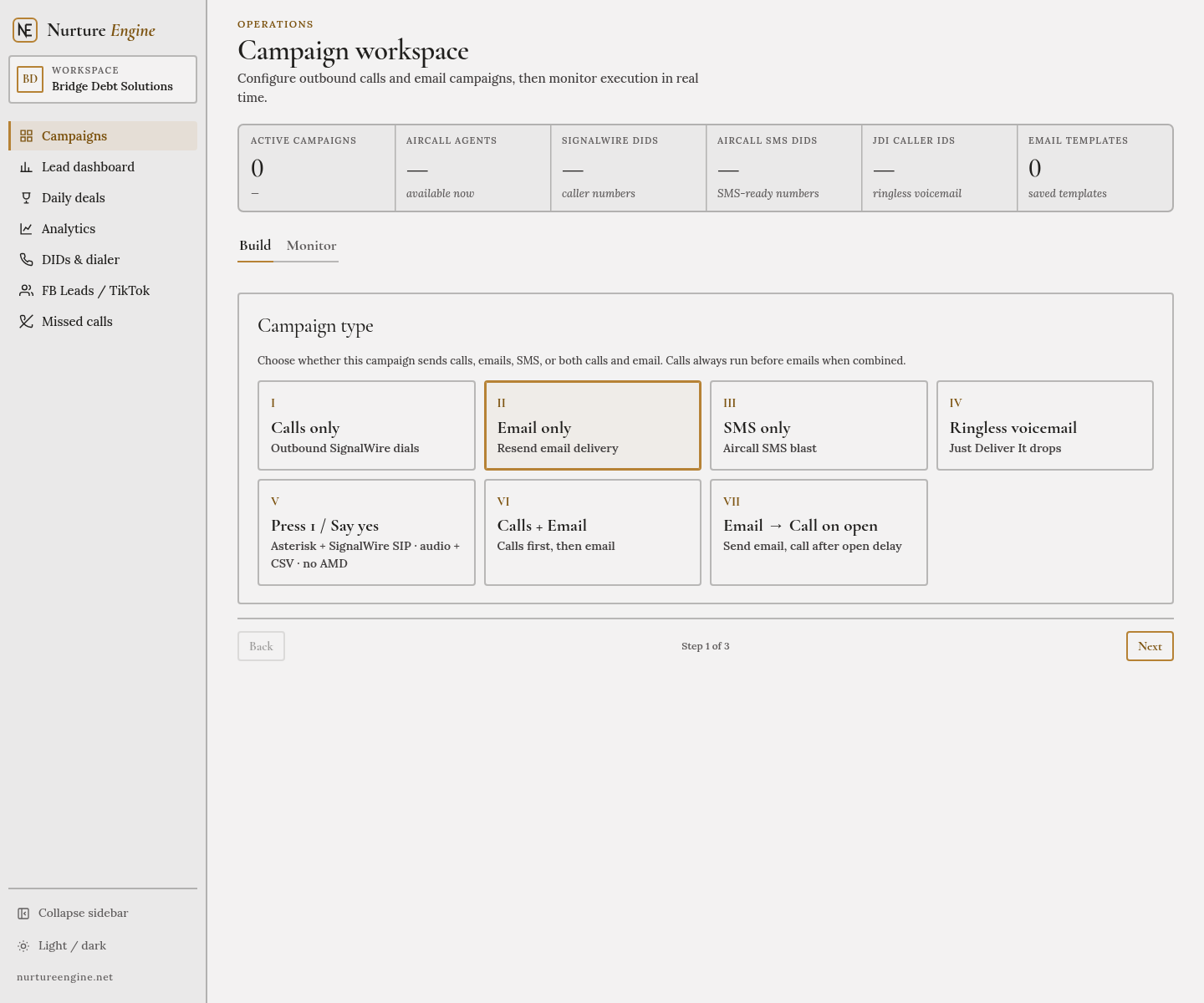
Four steps. The console does the dialing, the follow-up, and the counting.
The same tools the team uses every day, available on every plan.
DIDs, IVR, and AI voice are included. The only number that changes is how many calls you place.
10 calls included
Start free trial1,000 calls · $0.10 each
Choose Starter10,000 calls · $0.05 each
Choose GrowthOpen a workspace, place your first calls, and keep the console if it earns its place.
Voice, email, numbers, social leads, and the board where deals get marked. Nothing here is an add-on.
An outbound call that hands a live lead to your team the moment they press 1.
The note that should go out after the call, sent without a second tool.
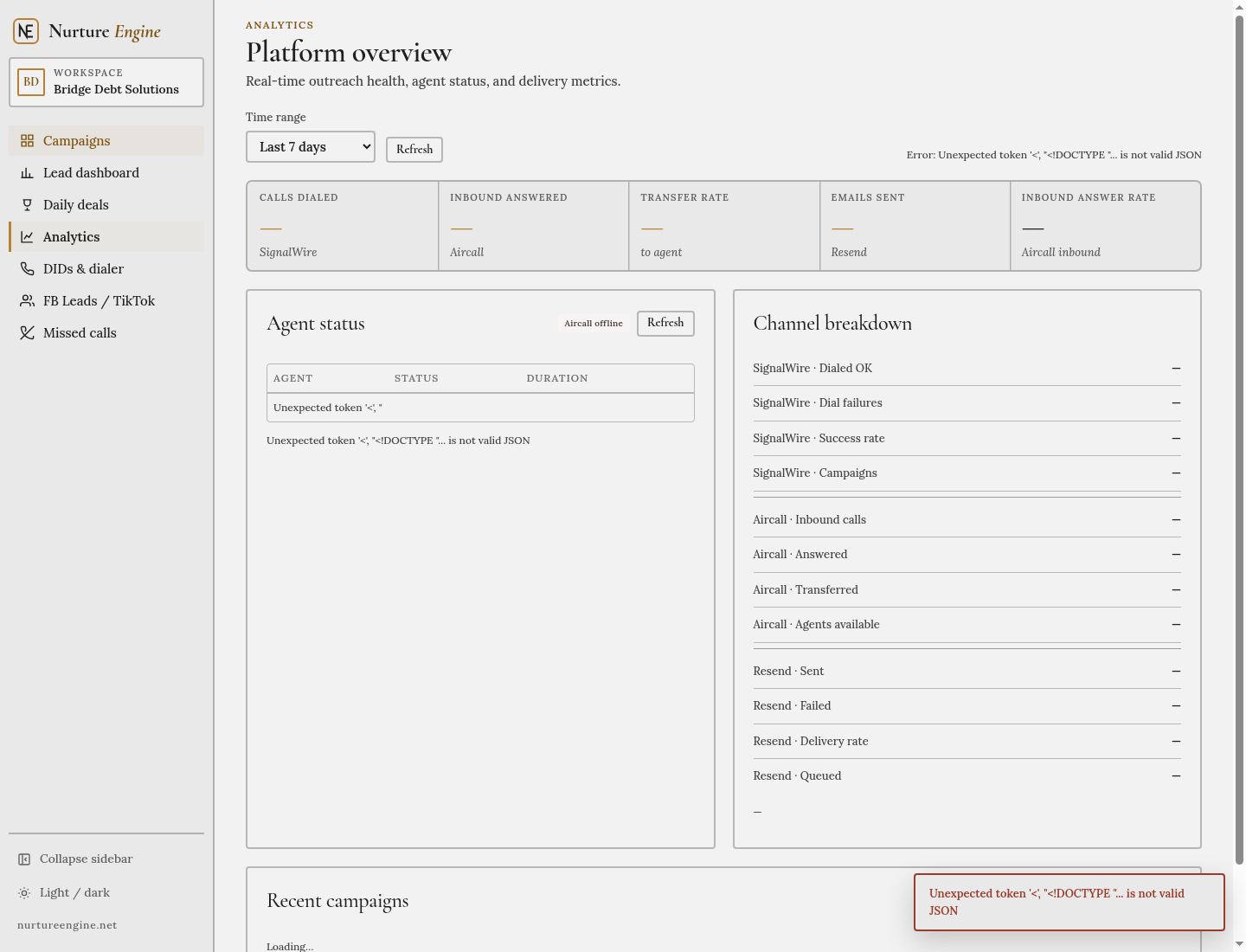
Every person you might call, with the history of what already happened.
The numbers you call from, bought and assigned inside the same console.
A lead from an ad should not wait in another inbox.
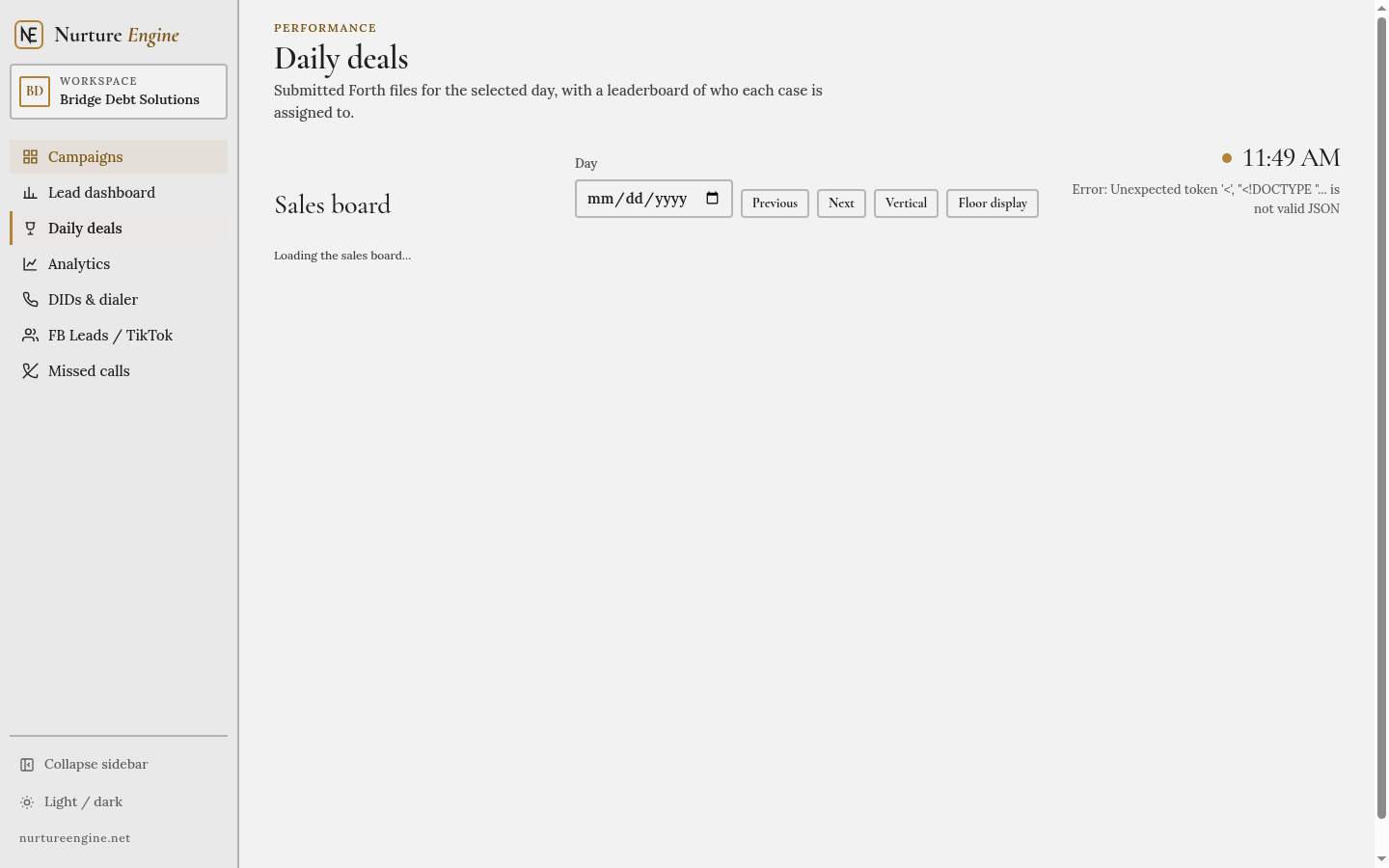
What the team dialed, what connected, and what closed, by day.
Every plan includes DIDs, IVR, and AI voice. You are billed for the calls you place, and the rate drops as the plan grows.
10 calls to see the console with your own leads.
Start free trial1,000 calls a month, at $0.10 per call.
Choose Starter10,000 calls a month, at $0.05 per call.
Choose Growth| Free | Starter | Growth | |
|---|---|---|---|
| Calls included | 10 | 1,000 | 10,000 |
| Price per call | $0 | $0.10 | $0.05 |
| DIDs | Included | Included | Included |
| IVR | Included | Included | Included |
| AI voice | Included | Included | Included |
Questions about a larger volume: [email protected]
Tell us who you are. We’ll open a workspace with 10 outbound calls and the full console: DIDs, IVR, and AI voice included.
Already have a workspace? Log in.
We saved your details. Sign in to the console to continue, or wait for the team to finish opening the workspace.
Log in to the consoleNurture Engine is a tool. You are responsible for who you call and the consent you hold. This page is a summary, not legal advice.
Only call people who gave prior express consent for this kind of call, or who fit an exemption you can document. Uploading a list is your confirmation that the list qualifies.
Every campaign must offer a way to stop. Press-1 flows include an opt-out path, and a verbal request is recorded as a disposition.
Unsubscribe links stay in every email. A stop request removes that person from later sends in the workspace.
Place calls only inside the hours allowed for that person’s location. The console can hold a campaign outside that window.
Scrub national and internal do-not-call lists before a campaign starts, and honor an internal request the same day it arrives.
Display a number you actually answer. DIDs in the console are meant to be called back.
Last updated October 18, 2026.
Nurture Engine provides the outreach console at nurtureengine.net. Questions about this notice go to [email protected].
Account details you submit, campaign and lead data you upload, call and email activity generated by the console, and basic technical logs such as browser and IP address.
To run the product, place the communications you start, bill the plan you choose, and keep the service reliable. We do not sell personal information.
Carriers, email delivery, and infrastructure providers that process data only so the console can operate, and authorities when the law requires it.
For the life of the workspace, then for a limited period required for billing, disputes, and legal obligations.
Email [email protected] to access, correct, or delete account information. Lead records you uploaded can be removed from the console directly.
Nurture Engine gives you a console to place calls, send email, manage numbers, and review results. Features can change as the product improves.
You are responsible for the people you invite, the credentials you hold, and the lead data you upload.
You will follow the calling, email, and do-not-call rules that apply to your campaigns, including consent and opt-out requirements.
The free plan includes 10 calls. Starter is $100 per month for 1,000 calls. Growth is $500 per month for 10,000 calls. DIDs, IVR, and AI voice are included.
You keep ownership of the lists, scripts, and recordings you provide. You grant us the right to process them so the console can do what you asked.
The service is provided as available. We do not guarantee connection rates, inbox placement, or any sales outcome.
To the extent the law allows, our liability for a claim is limited to the amount you paid us in the three months before the claim.